Running a Scan
Scan a ZIP project
- Open the application at
http://localhost:3001 - In the Scan tab, choose Upload ZIP
- Select your SAP BTP project archive
- Click Start scan
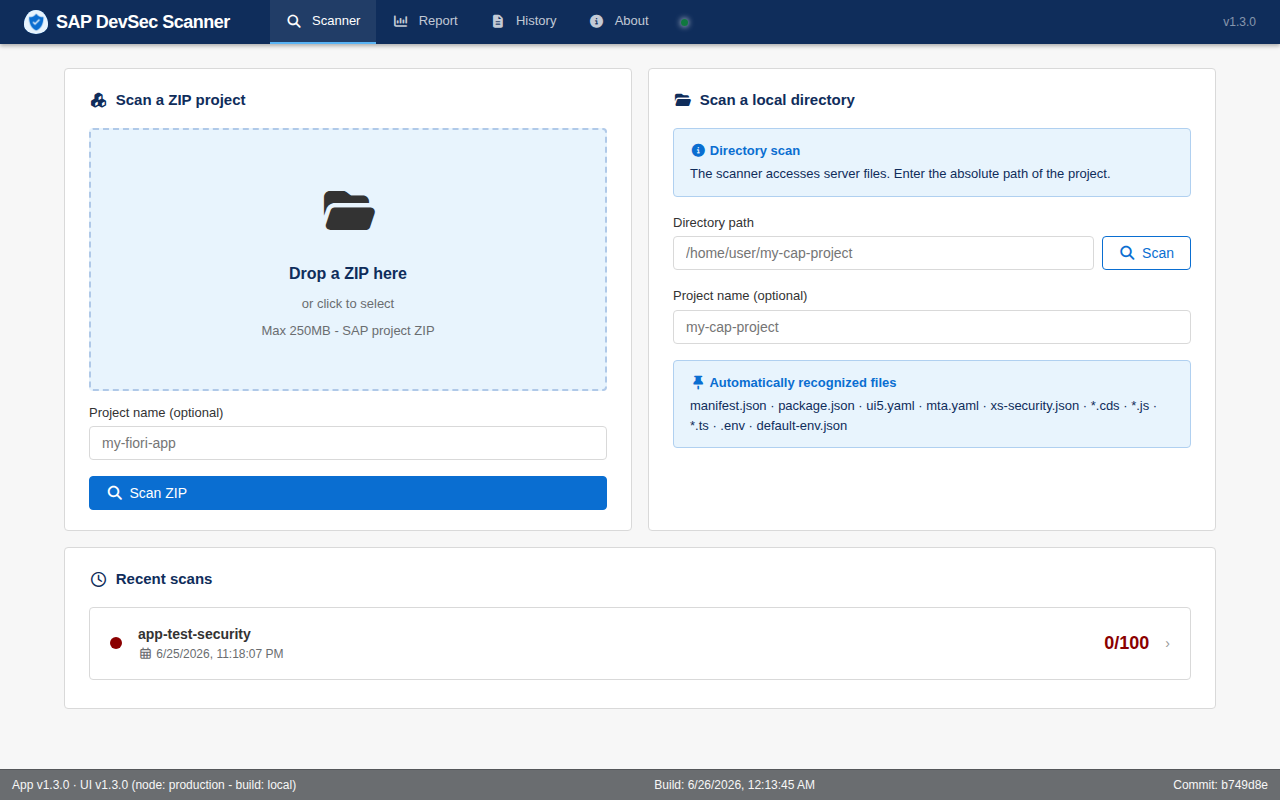
Scan a local directory
If the application runs on the same server as your project:
- Select Local directory
- Enter the absolute path to the directory
- Start the scan
Reading results
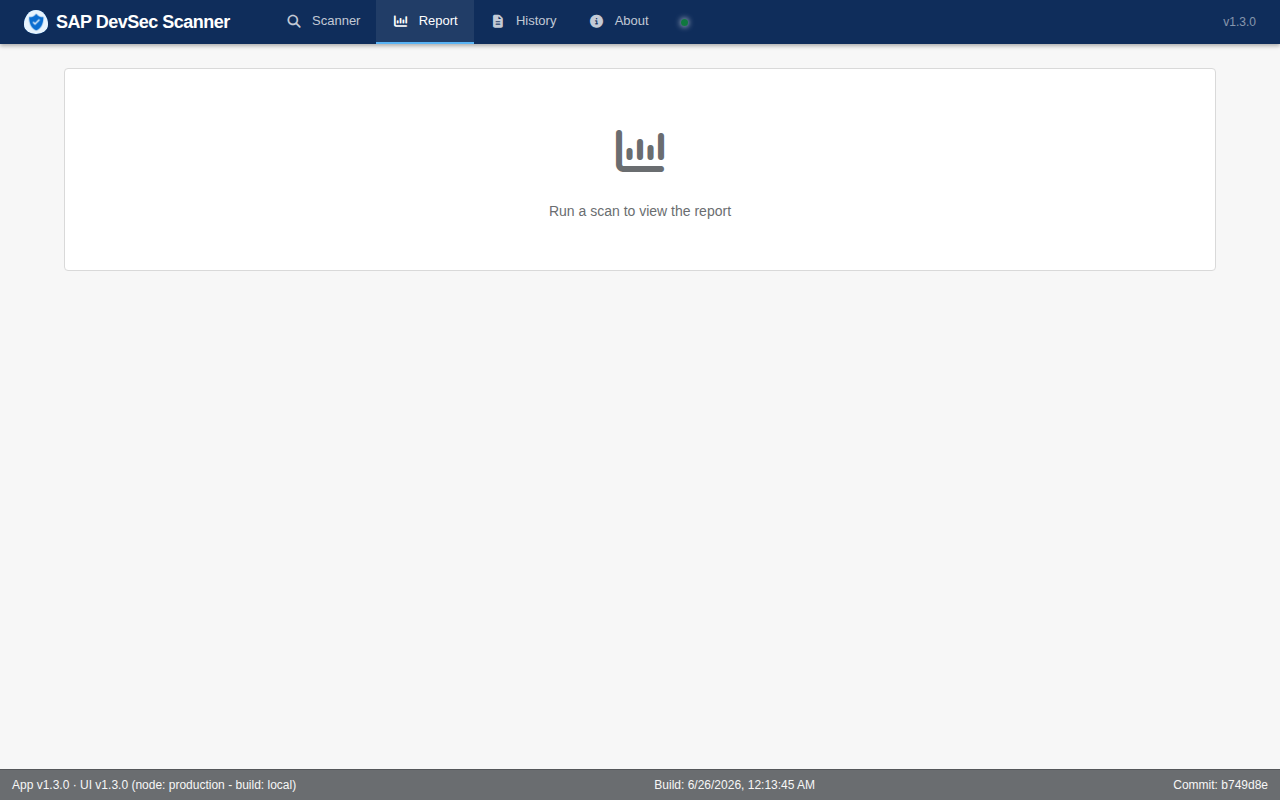
The report is organized by scanner category with a global risk score.
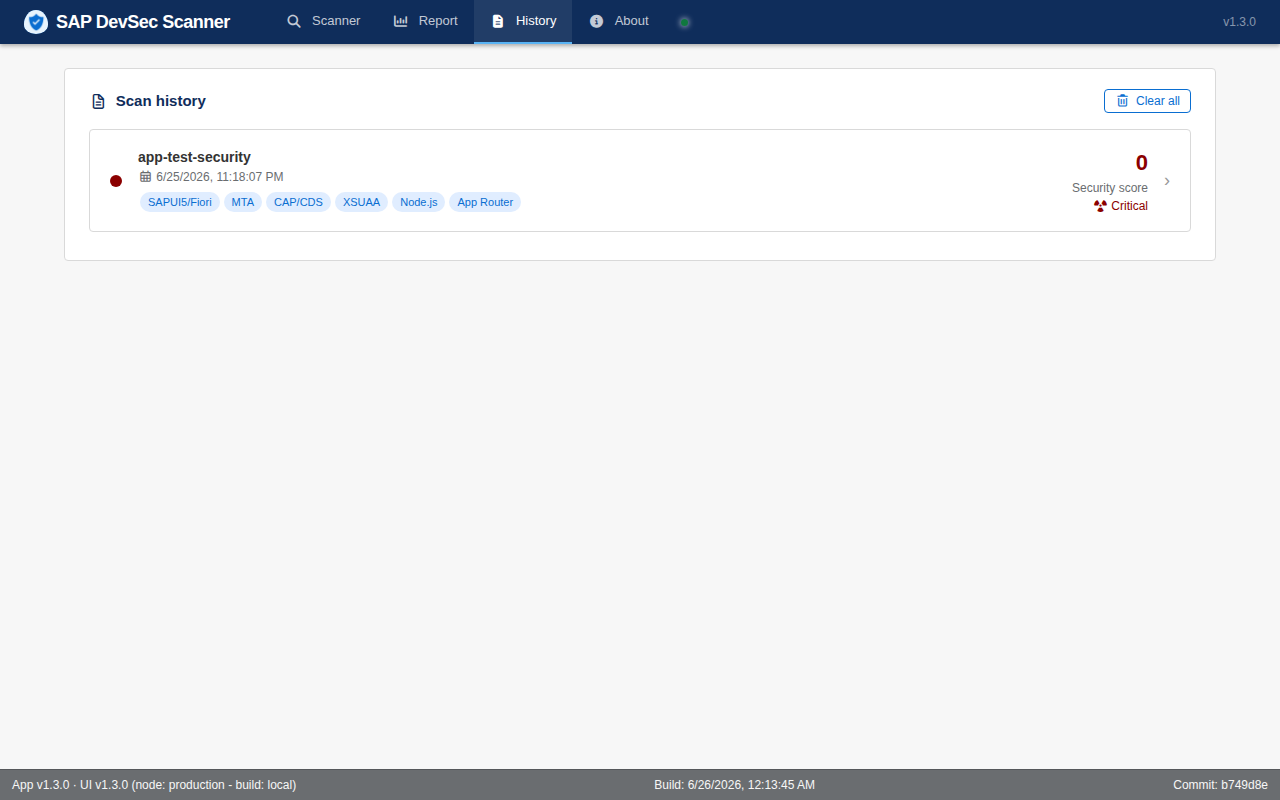
History
Scans are kept in memory for the current session, accessible via the History tab.
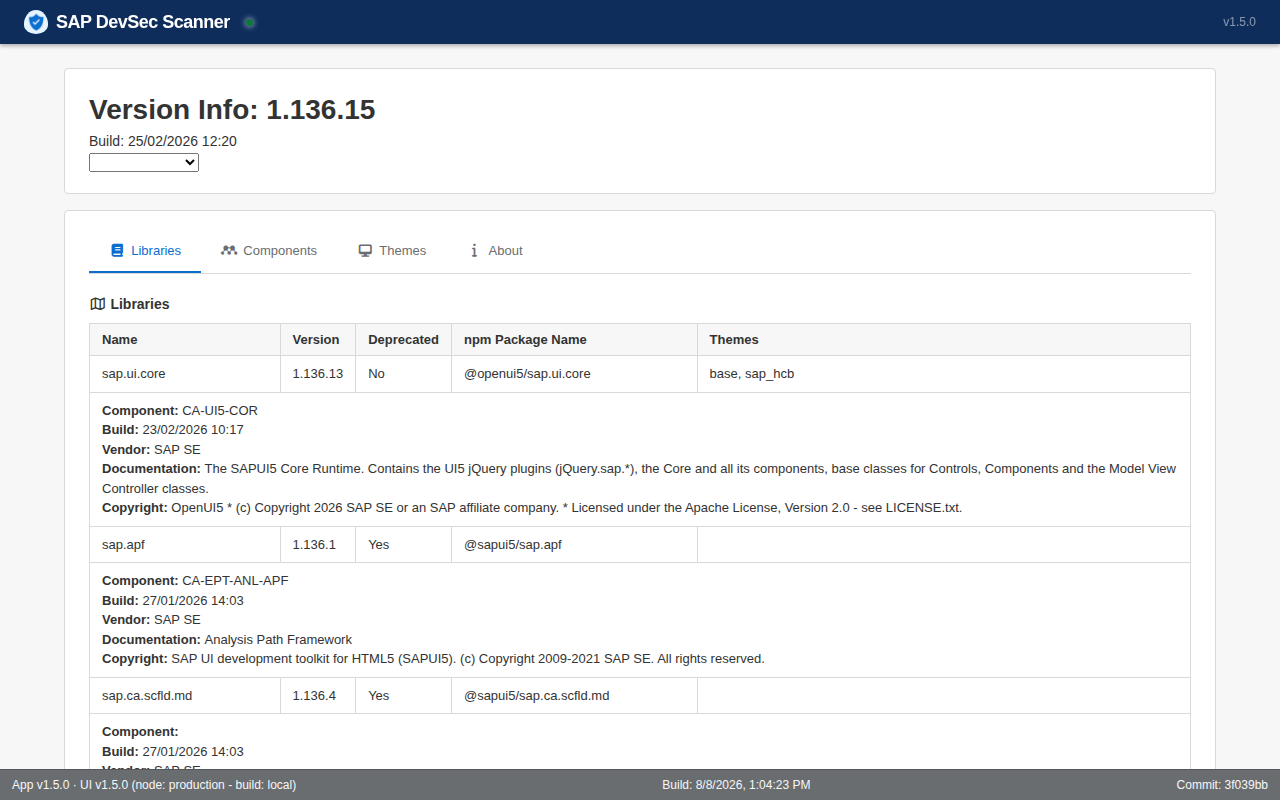
ui5 Version Details
In the report, you can click on versions in the x.xxx.xx format, which will open a page with details about the selected version.